 Adrit Suite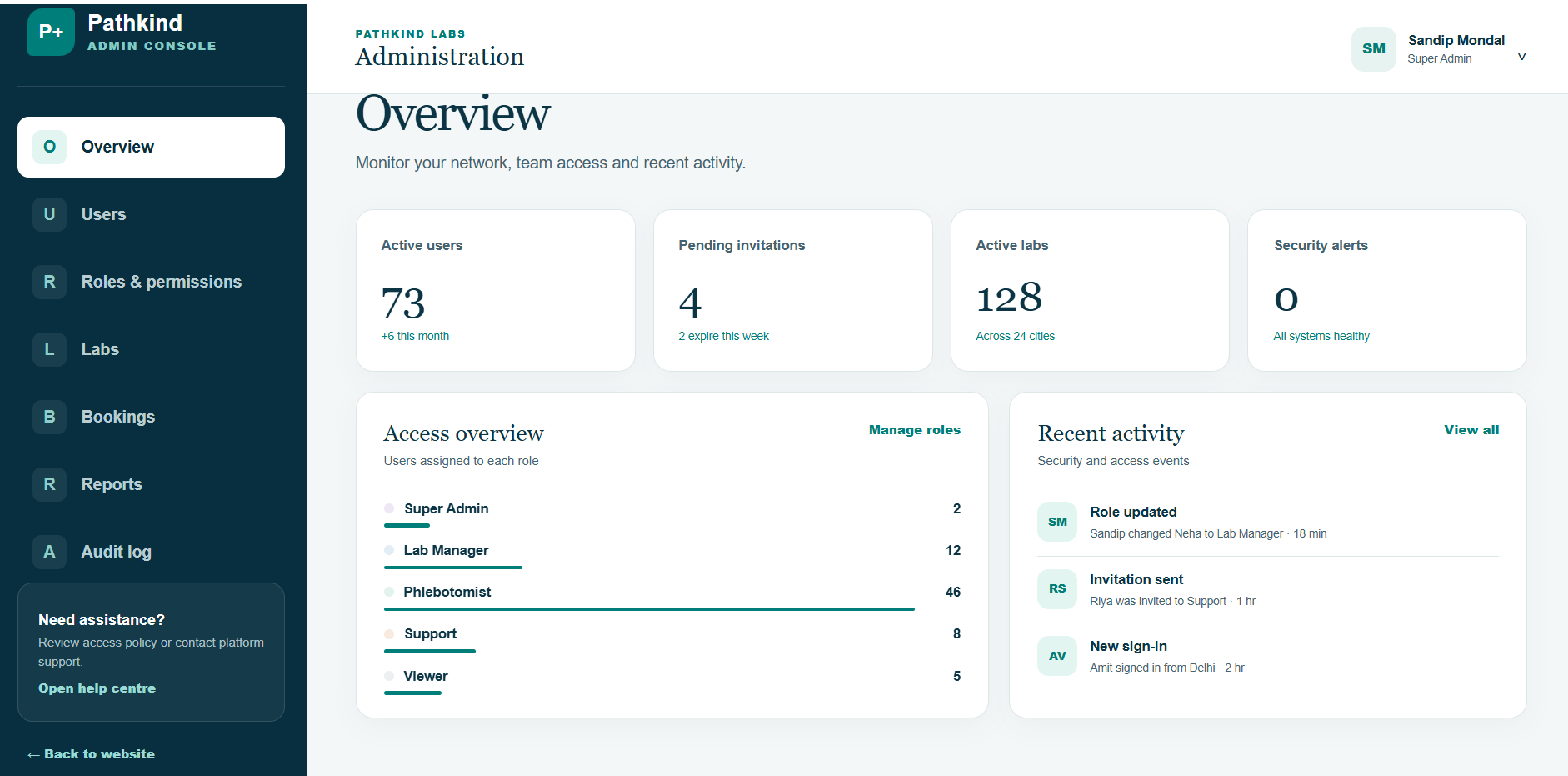
Why laboratory workflow software matters
Clinical laboratories manage a chain of connected work: test orders, patient and specimen identification, collection, accessioning, processing, review, result release and follow-up. When these steps live in separate spreadsheets, inboxes or disconnected systems, teams spend more time reconciling information and have less visibility into delays and exceptions.
Adrit PathLab provides a demonstration of patient-access and administrative journeys. Use the broader evaluation questions below to identify what your laboratory needs, what the demonstration shows, and what would need configuration, integration or further development.
Which part of your laboratory workflow needs attention?
If your priority is bookings, home-collection requests, patient report access or administration, compare that journey with Adrit PathLab. For instruments, accessioning or clinical result processing, first establish the integration and development scope.
Free 20-minute initial conversation. Describe the process without patient names, test results or medical records.Core capabilities to evaluate
1. Test orders and patient scheduling
The system should maintain a clear test catalog, capture required order information and support appointment or collection scheduling. Validation at entry reduces incomplete orders and avoidable follow-up work.
2. Specimen accessioning and tracking
Each specimen needs a unique identifier and a traceable journey from collection through receipt, processing and disposition. Teams should be able to record timestamps, locations, handlers and exceptions without relying on memory or paper notes.
3. Work queues and turnaround visibility
Role-specific work queues help staff focus on items requiring action. Managers need dashboards for pending specimens, delayed tests, unresolved exceptions and expected turnaround times.
4. Controlled result review and release
Result workflows should distinguish preparation, review, approval, release and amendment. Notifications can tell recipients that information is available without exposing sensitive clinical details.
5. Roles, permissions and audit trails
Access should reflect job responsibilities. The system should record important activity such as sign-ins, record changes, approvals, report access and administrative actions so the laboratory can investigate events and support its audit process.
6. Multi-location and integration support
Growing laboratory networks need consistent test catalogs, staff access and operational reporting across sites. Integration planning should consider instruments, billing platforms, electronic health record systems and other authorized data exchanges.
CLIA-aware operations and quality management
In the United States, the Centers for Medicare & Medicaid Services regulates human laboratory testing through the Clinical Laboratory Improvement Amendments program. CMS states that CLIA aims to help ensure patient test results are accurate, reliable and timely. A laboratory management system can support documentation, traceability and operational controls, but software does not itself make a laboratory CLIA compliant.
Quality management also extends beyond a single dashboard. Laboratories should define responsibilities, document procedures, manage training and competency, review quality indicators and investigate nonconforming events. The CDC describes quality management systems as a foundation for clinical and public health laboratory quality.
- Documented workflows, ownership and exception handling
- Traceable specimen and result activity
- Quality-control and corrective-action records where applicable
- Role-based review, approval and amendment processes
- Reports that help teams prepare for internal and external audits
HIPAA security considerations
For organizations subject to HIPAA, the Security Rule requires reasonable and appropriate administrative, physical and technical safeguards for electronic protected health information. When evaluating clinical laboratory software, assess how the complete deployment—not only the application—supports access control, authentication, audit controls, data integrity, transmission security, workforce procedures and incident response.
A practical evaluation checklist
- Map the current order-to-result workflow and its recurring failure points.
- Define the users, roles, locations, instruments and systems in scope.
- Test specimen exceptions, delayed results, corrected reports and downtime procedures.
- Review access, audit, retention, backup and incident-response requirements.
- Run a limited pilot using representative workflows and trained staff.
- Measure turnaround time, exception rates, adoption and support requests before expansion.
Choose software around the laboratory’s real work
Ask each supplier to demonstrate the same ordinary order and the same exception, such as a rejected specimen or an amended report. Record which steps are available now, which depend on another system, and which require further development. Compare the evidence, responsibilities and costs before choosing a pilot.
Explore the Adrit PathLab clinical laboratory software overview, use the implementation checklist, or request a free laboratory workflow review.