 Adrit Suite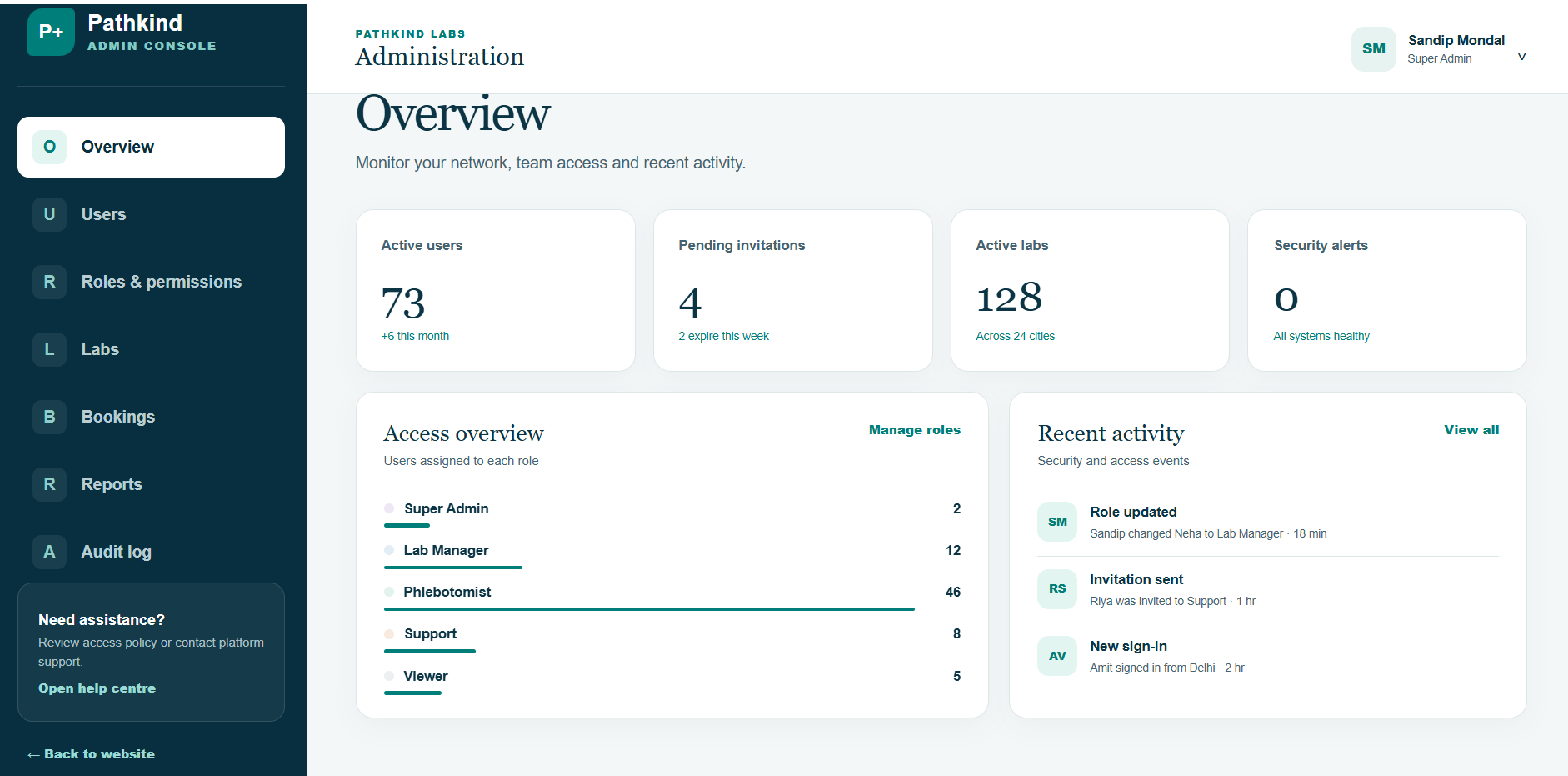
Design around the complete patient journey
Home collection is not only an appointment feature. It is a chain of connected activities: selecting a test, confirming service availability, scheduling a collector, identifying the patient, transporting the specimen, processing the test and releasing the report. A failure at any stage affects trust.
Start by defining the journey from the patient’s perspective, then connect it to the lab’s operational workflow. The booking interface should never promise a slot or location that the collection team cannot support.
The essential workflow
1. Test selection and transparent preparation
Show clear test names, prices, preparation instructions and expected reporting times. For packages, explain what is included. This reduces calls and prevents collection-day surprises.
2. Serviceability and scheduling
Validate the patient’s location before confirming a slot. Scheduling should consider collector availability, travel time, collection requirements and the laboratory’s intake capacity.
3. Patient and specimen identification
Use an unambiguous booking reference and label each specimen at collection. The collector should verify the patient and record collection time, specimen type and any exception.
4. Status tracking and communication
Useful statuses include booked, collector assigned, sample collected, received by lab, processing, report ready and cancelled. Patients need plain-language updates; staff need operational detail.
5. Secure report delivery
Reports contain sensitive information. Access should be authenticated, role-based and auditable. Notifications can announce availability without exposing the report itself.
What administrators need to see
An administration dashboard should help managers monitor bookings, active labs, staff access, pending actions and unusual events. Role-based permissions are particularly important because reception, collectors, technicians, managers and patients need different information.
- Online test booking with location and slot validation
- Collector assignment and real-time status updates
- Secure patient, booking and specimen records
- Digital report release and controlled access
- Roles, permissions and auditable activity
- Multi-location visibility for growing lab networks
Introduce the workflow in manageable stages
- Map existing booking, collection, accession and reporting steps.
- Define owners, statuses and exception procedures.
- Clean the test catalogue and serviceability data.
- Pilot with a limited area, lab and collector group.
- Test rescheduling, failed collections and delayed reports.
- Train teams and review patient questions before expansion.
Plan a system for your lab network
A digital platform is valuable when bookings arrive from multiple sources, home collection is growing, or staff cannot see the same current status. Explore the PathLab management software overview for product features, dashboard details and next steps.